
How do I check in?
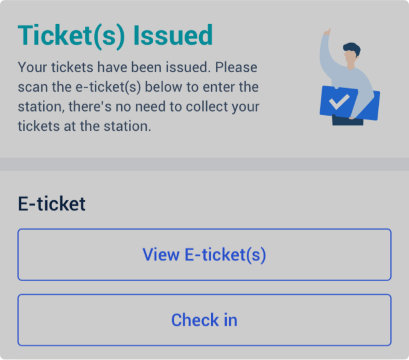
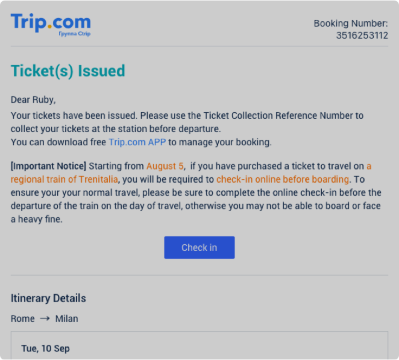
Step 1: Find the "Check In" button.
• Once ticket(s) have been issued, you can find the "Check In" button on the booking details page.
• Alternatively, you can find this button in the email you receive from Trip.com after ticket(s) have been issued.
Step 2: Check in online
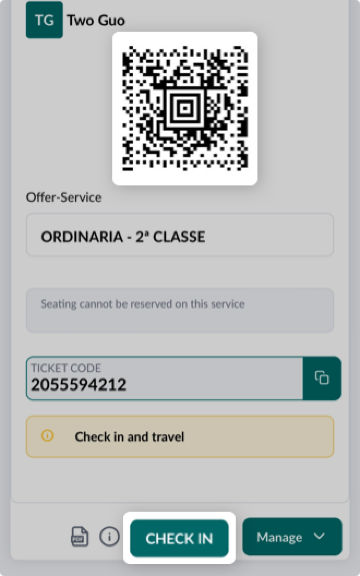
• Select "Check In", and you'll be redirected to the Trenitalia website where you can view all of the information related to your booking.
• Once you've checked in, you'll get a QR code which you can use to travel.
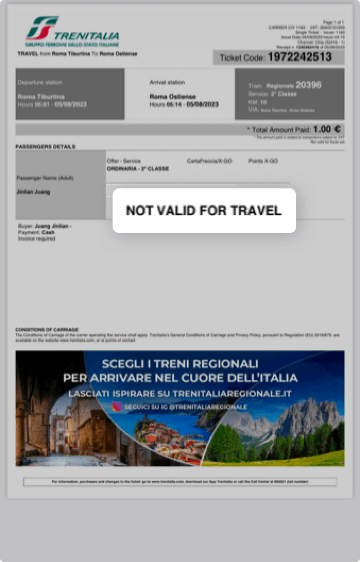
• The original PDF you received cannot be used to travel.
Passo 3:
• O check-in está disponível a partir do momento da reserva da passagem eletrônica regional até o horário de partida programado do trem
• O check-in só é necessário para trens regionais, mas não para trens de alta velocidade
• Depois de fazer o check-in, você não poderá obter reembolso ou alterar sua passagem